Submit files
When formatting your file, add around 1cm bleed to the size of the flag. This border is to ensure that background colors are well bleed so that there is no white line along your flag. Your file will therefore be 2 cm wider and 2 cm higher than the chosen format and will therefore fit exactly in the uploader without having to enlarge or reduce it.
Save as PDF/X
You can preferably save files as PDF/X-1a, the X stands for 'Exchange' which ensures that files can be easily exchanged and are stored according to printer guidelines. In this way, colors and fonts are stored so that our print server can read them properly.
There are different versions of PDF/X, but we always recommend using PDS/X-1a.
With a PDF/X-1a: all gradients and transparencies are flattened and RGB is always converted to CMYK.
With a PDF/X-3: all gradient transparencies are flattened, but RGB is possible.
With a PDF/X-4: gradients and transparencies are retained and RGB is also possible.
Embedded color profiles are retained.
After saving, check the PDF again with Acrobat Reader to ensure that all fonts and transparencies have been saved correctly.
RGB vs CMYK
RGB stands for Red, Green and Blue, these are screen colors that emit light, therefore it has the largest color spectrum. Light cannot be printed, which is why CMYK inks are used as standard: Cyan, Magenta, Yellow and Black (Keycolor).
CMYK has a considerably smaller color spectrum than RGB, which can often be seen in bright colors of green and blue on a screen, which appear extremely flattened after conversion to CMYK.
Since our printers also have Orange and Violet inks in addition to CMYK, a larger color spectrum is possible than the standard CMYK color spectrum. As a result, it is sometimes better to leave files in RGB for the best possible result.
PMS
PMS stands for Pantone Matching System and is a worldwide agreement for indicating the correct color. Please note that PMS colors are always approximated in Full Color (digital printing). If your file has PMS colors and you have opted for Full Color (digital printing), you can simply leave the PMS colors. Our print servers recognize all Pantone Solid Coated and Uncoated colors and have the best CMYKOV values to best approximate this PMS color with the available colors.
If the PMS color is very important and important for the corporate identity and a larger quantity is involved, it is better to opt for screen printing. With screen printing, the PMS color is pre-mixed and printed on your flag using screen printing frames. Small details and gradients are not possible with screen printing.
Please note that we cannot print metallic and fluorescent PMS colors under any circumstances.
Vectors
Vectors are coordinates that are recorded in a script to determine what an image looks like. For example, an .eps file (Encapsulated Postscript), an .ai file (Adobe Illustrator) or a .svg (Scalable Vector Graphics). For example, it is described that a line starts at 1a to 26z with a certain thickness, curvature, color and background color. This brings many advantages:
- These images can be enlarged indefinitely
- This way the image is always sharp
- These images can be opened and adjusted
- Files are not that heavy.

Pixels
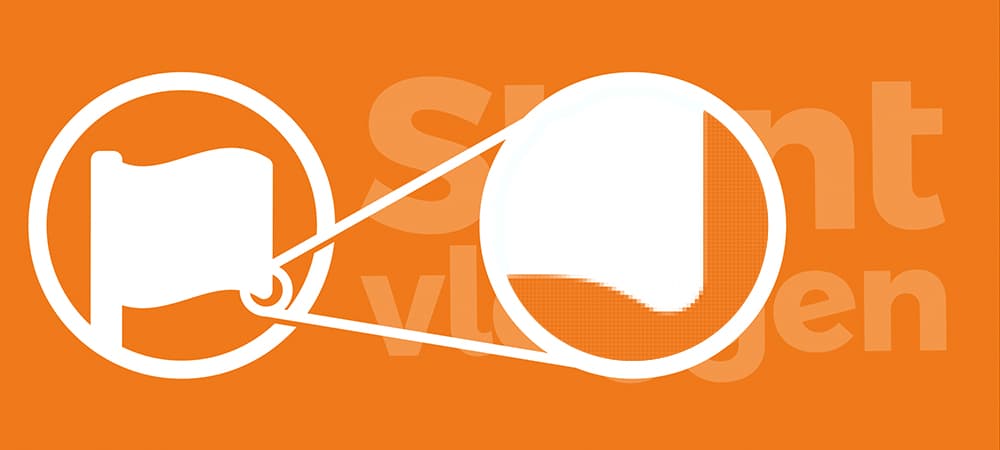
Everyone recognizes pixels by the block formation in poor-quality images. In a pixel file such as a .jpg, .png or a .gif, it is recorded per pixel which color RGB or CMYK it is. As a result, files become heavier as more pixels are used. A picture of 1000x700 pixels therefore already has 700,000 pixels, depending on how many Red, Green and Blue there are per pixel or how many Cyan, Magenta, Yellow and Black there are per pixel. As a result, files quickly become very heavy and a CMYK file is heavier than an RGB file.
If you have an image with few pixels, you can increase the number of pixels, but the image will not become sharper because you cannot add details. So you can turn a large pixel image into a small pixel image, but not the other way around. There are possibilities with AI (artificial intelligence), so you can improve the resolution and quality on various websites.
You also cannot 'convert' but a vector image, this must be drawn separately in vectors to achieve that quality. Have logos or images vectorized: In addition to Stuntvlaggen.nl, we have an advertising agency Vectorlogo.nl, we are very experienced in drawing in Adobe Illustrator, so we can help you with a professional vector file that is suitable for all forms of advertising.
Resolution
Resolution is the ratio of the number of pixels to the size. Resolution is often stated as DPI (Dots Per Inch) or sometimes for displays in PPI (Pixels Per Inch). Since we measure in metric sizes, we need to convert from inches to centimeters, where there are 2.54 centimeters in 1 inch.
For quality we use: Good resolution > 40 dpi, Moderate resolution = 25 - 40 dpi and Low resolution < 25 dpi.
If you want a 150x100cm flag with a pixel image on it, divide the largest size (150cm) by 2.54 = 59 inches. If your file is between 1500 and 2500 pixels, it is of poor quality and you may be able to detect pixels on flag fabric. Our 115 gram flag fabric has a weave of approximately 30 threads in an inch, so pixels will also disappear from the structure of the fabric.
A resolution greater than 100 dpi is unnecessary and undesirable because it creates extremely large files with no benefit in quality. Our uploader will also not show a preview of files that are too large.